Edit My Profile
Add a username, avatar (profile photo), and manage your personal notification settings.
My Profile
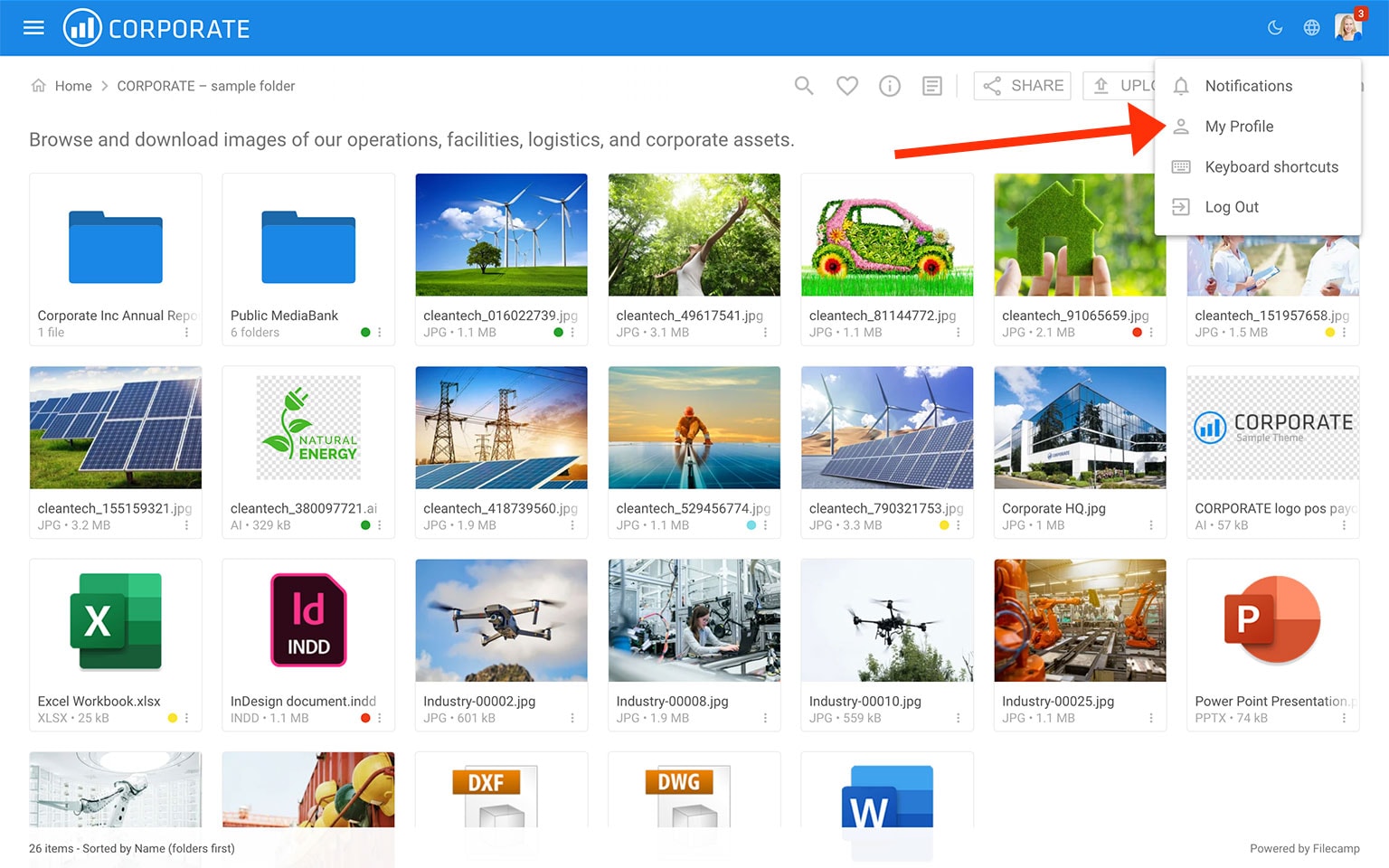
Click your avatar in the top-right corner of the browser window and select  My Profile.
Edit your avatar, username, and password
From this menu, you can update these details. If you change your password, enter the new password twice to confirm. Click Save when you are done.
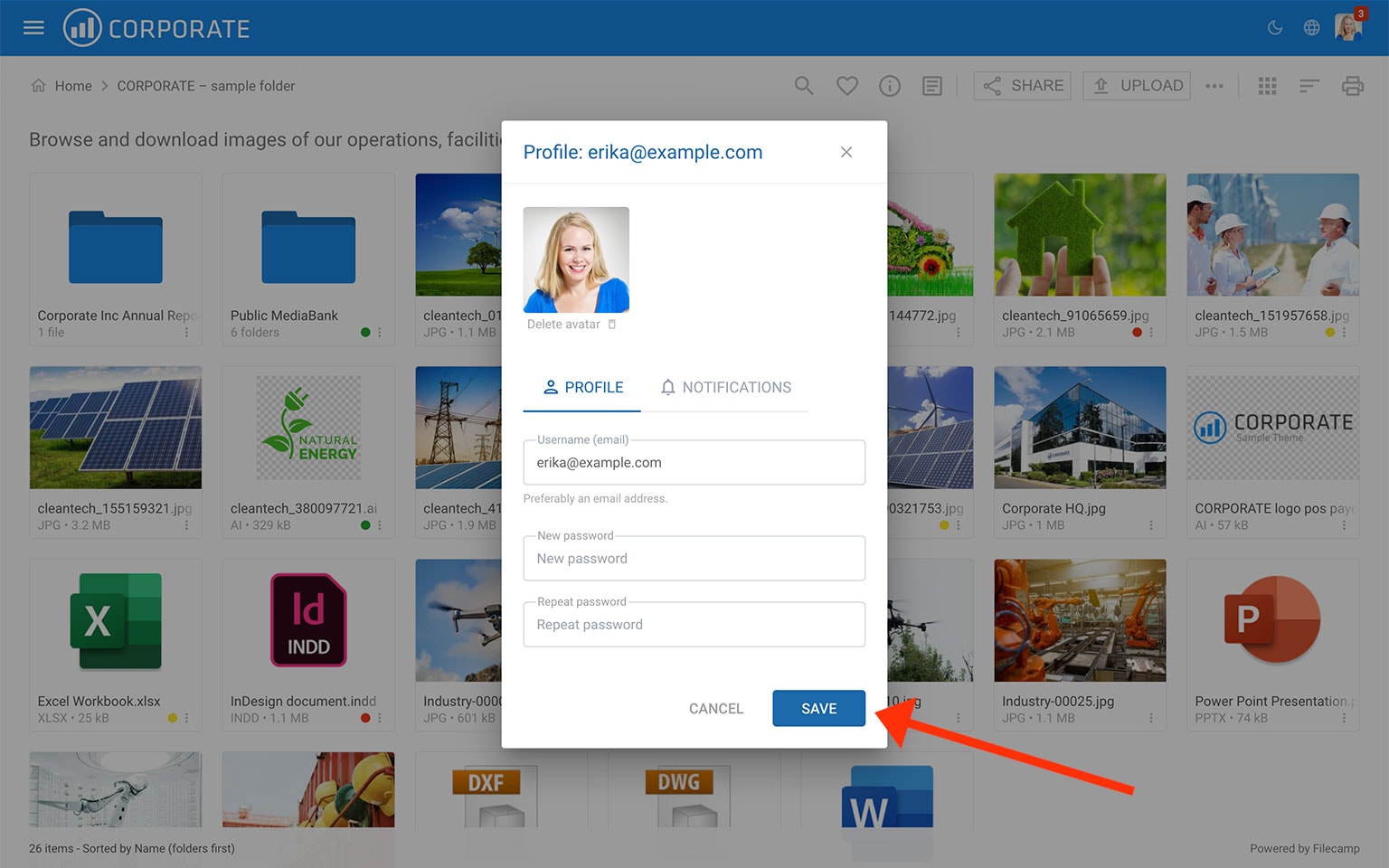
Say cheese! Your profile picture should be a square format with a minimum of 110x110 pixels, but shouldn't exceed 500x500 pixels.
Notice: Only users who use their email address as their username can receive their login credentials through the Invite feature and reset their password using the Forgot Password option. For this reason, we strongly recommend using email addresses as usernames.
Notice: Please observe the following Password security practices:
- Select a password that is easy for you to remember, but difficult for others to guess.
- Keep your password confidential and do not share it with anyone.
- Change your password on a regular basis. We suggest every 90-120 days.
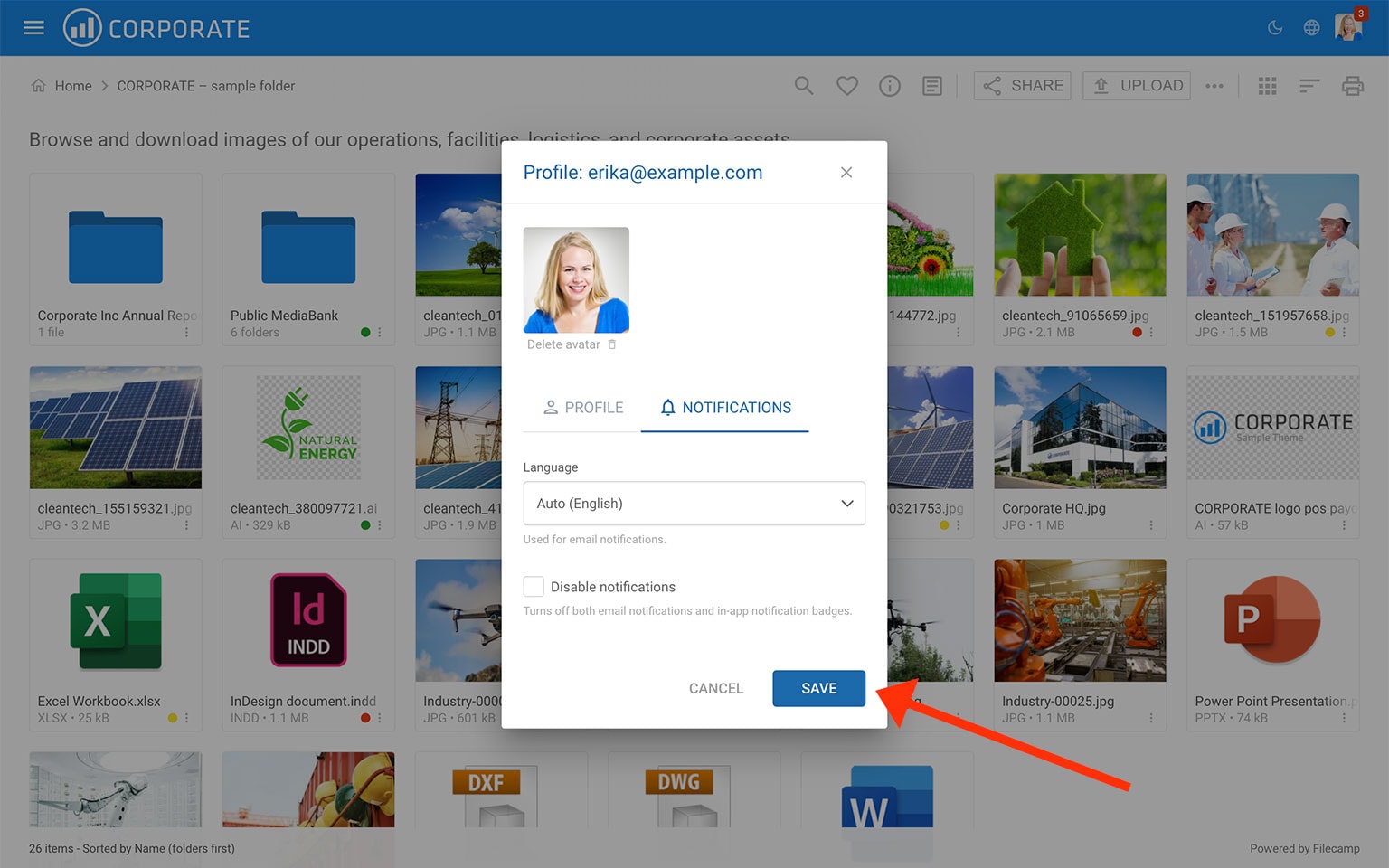
Edit your personal notification settings
From this menu, you can set your preferred language for notifications and disable all notifications from one place. Click Save when you are done.